
Recommended MW4 graphics and controller settings for visibility and frames, covering FOV, DLSS, particle resolution, sensitivity and stick deadzones.
MW4 Best Settings: Graphics and Controller Setup That Actually Helps
The settings that matter in Modern Warfare 4 are the ones that change what you can see and how fast you can react, not the ones that make the screenshot look nicer. In practice that means three groups: View (field of view), Post Processing (motion blur and depth of field off), and Shadow and Lighting (lower, so enemies stop disappearing into contrast). On the controller side, the wins are sensitivity, deadzones and turning off vibration.
Official source: Call of Duty: Modern Warfare 4 on Steam, NVIDIA DLSS and IGN's MW4 settings guide.
The tables below are the recommended starting point. They assume a PC that can hold a stable frame rate; if yours cannot, lower the resolution or upscaling preset first and leave the gameplay settings alone.
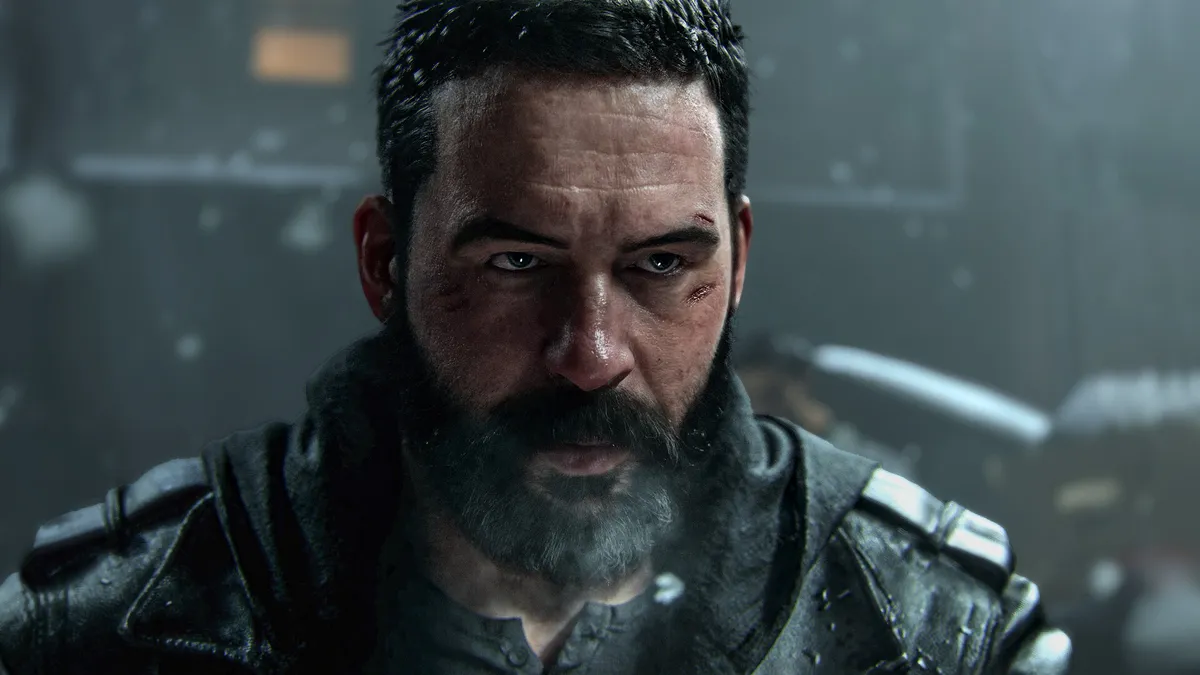
Official Call of Duty: Modern Warfare 4 artwork via Steam.
Start With the View Settings
Field of view is the single biggest competitive change, and MW4 has a generous range. The recommendation from IGN's settings guide is 115 to 120 with Enhanced FOV on. Enhanced FOV widens the peripheral view without the fisheye distortion that a raw FOV number creates, which is why it is worth leaving enabled.
| Setting | Recommended | Why |
|---|---|---|
| Field of View | 115–120 | More peripheral awareness in close quarters |
| Enhanced FOV | On | Wider view with less distortion |
| 3rd Person Field of View | 90 | Only matters in third-person modes |
| 1st Person Camera Movement | Minimal (25%) | Less camera sway while sprinting |
| Inverted Flashbang | Off | Personal preference, but off is the default |
If 120 makes you feel motion sick, drop to 110 and raise it over a few sessions. A FOV you cannot track targets in is worse than a narrower one you can.
Graphics Settings That Improve Visibility
Two categories do most of the work. Post Processing effects blur the image exactly when you need clarity, and Shadow and Lighting at high settings can make a dark corner look like a solid object.
| Setting | Recommended |
|---|---|
| World Motion Blur | Off |
| Weapon Motion Blur | Off |
| World Depth of Field | Off |
| Weapon Depth of Field | Off |
| Shadow Quality | Very Low or Low |
| Shadow Filtering Quality | Low |
| Screen Space Shadows | Off |
| Occlusion and Screen Space Lighting | Off |
| Screen Space Reflections | Off |
| Particle Resolution | Very Low or Low |
| Display Gamma | 2.2 (sRGB) |
Particle resolution is worth calling out because MW4 is particle-heavy: smoke, dust and debris can wash out the middle of your screen. Very Low cuts that without removing the effects entirely.
The ranges above follow IGN's settings guide, published from their own testing and updated October 24, 2026. Activision does not publish a competitive settings preset.
Upscaling, Frame Generation and Ray Tracing
MW4 ships with DLSS 4.5 on supported Nvidia cards, and AMD's Adrenalin 26.10.1 driver added FSR 4.1 support for the game. Both are legitimate ways to buy frames. Ray tracing is the setting to leave off in multiplayer: it costs frames and adds nothing to target visibility.
- Nvidia: DLSS on Quality or Balanced, with the Transformer model. IGN runs Performance on their machine and notes it may change as the game is optimized.
- AMD: FSR 4.1 through the current Adrenalin driver, or FidelityFX CAS if you prefer a sharpened native image.
- Ray tracing: off for multiplayer. Turn it on for the campaign if you have headroom.
Frame generation is a per-machine call. It raises the displayed frame rate but not the rate at which the game reads your input, so if you are sensitive to latency, leave it off and lower a graphics setting instead.
Controller Settings: Sensitivity and Deadzones
The default controller feel is slow for most players. IGN's recommended range for both horizontal and vertical stick sensitivity is 1.5 to 1.9, with 1.75 as the middle ground. Aim response curve is Dynamic, aim assist target is On, and vibration plus trigger effects should be Off so haptics do not fight your aim.
Deadzones are the part players skip. The correct method is mechanical:
- Open the deadzone settings and look at the live input values.
- Raise the minimum for each stick until the numbers sit at zero when you are not touching it. IGN runs 5; a worn stick may need more.
- Set the maximum to 90–99 so the game registers full deflection.
Then set the ADS multipliers. IGN's ranges are 0.80–0.90 for low, 2x–3x and 4x–5x zoom, and 1.00 from 6x up. If you are unsure, leave everything at 1.00 — a consistent feel beats a copied number.
| Controller setting | Recommended |
|---|---|
| Horizontal / Vertical sensitivity | 1.5–1.9 (1.75 mid) |
| Aim response curve | Dynamic |
| Target aim assist | On |
| Controller vibration | Off |
| Trigger effect | Off |
| ADS sensitivity transition | Instant |
| Sprint assist | Tactical Sprint Assist |
| Slide/Dive behavior | Tap to slide |
A Settings Order That Saves Time
Change things in this order so you are not re-testing the same match five times:
- Display: fullscreen exclusive on a single monitor, native refresh rate, resolution you can actually hold.
- View: FOV 115–120, Enhanced FOV on.
- Visibility: motion blur and depth of field off, shadows low, particles very low.
- Upscaling: DLSS or FSR on, ray tracing off.
- Controller: sensitivity, deadzones, vibration off.
- Play one match and adjust only one variable afterwards.
If the game will not hold a stable frame rate even after step 4, the bottleneck may be outside the settings menu. The PC system requirements page covers the 115 GB SSD requirement, the TPM check and the driver versions MW4 expects.
FAQ
What FOV should I use in MW4?
115 to 120 with Enhanced FOV on. Lower it if you get motion sick; a stable, trackable view beats a wide one you cannot read.
Should I turn ray tracing on in MW4?
For multiplayer, no. It costs frames without helping you see targets. It is reasonable in the campaign if your GPU has headroom.
Is DLSS better than FSR in MW4?
Both are supported and the difference is machine-dependent. Use the one your GPU vendor provides and compare in a private match rather than trusting a blanket recommendation.
Does controller vibration affect aim?
It does not change aim assist, but it adds noise to your hands. Most competitive players turn it off.
Do these settings work on console?
The View and controller recommendations carry over. Graphics settings are fixed on console apart from modes and FOV, which MW4 exposes on current-gen consoles.
Related Guides
More Modern Warfare 4 Guides
Modern Warfare 4 is on PS5 with no PS4 version. What the $69.99 standard edition includes, how trophies work, and which PS5 details are still unpublished.
Our Modern Warfare 4 review roundup: campaign, multiplayer, DMZ, scores, bugs and whether the 2026 Call of Duty is worth $69.99 on PS5, Xbox or PC.
Shipment arrived in Modern Warfare 4 on October 27, 2026. The official layout details, best modes, loadouts and spawn tips for the Russian harbor version.
Every Modern Warfare 4 update so far: what the October 21, 23, 24 and 25 patches changed, the Search and Destroy XP buff, and what is still broken.
MW4 operators are locked to DMZ Active Duty slots. Learn how to change skins, dismiss an operator, recover an MIA one and unlock a third slot.
Modern Warfare 4 launches October 23, 2026 at midnight local time. Full platform list, prices by region, and what campaign and DMZ early access dates mean.
Which Modern Warfare 4 weapons suit which range, how Gunny builds work, and a sensible first Create-a-Class loadout for each role.
Minimum, recommended and ray tracing PC specs for Modern Warfare 4, with the TPM 2.0, Secure Boot and SSD requirements people miss.