Fix MW4 connection failed and networking errors: restart order, NAT type, crossplay, DNS and VPN checks, plus what to do when the servers are down.
MW4 Connection Failed: What to Fix First
A connection failed or networking failed to start error in Modern Warfare 4 almost always means the game never completed its handshake with Activision's online services. That is a different problem from lag, packet loss or a matchmaking timeout. The fix order is therefore: confirm the servers are up, restart the game and your network in the right order, then look at NAT type and anything sitting between your console or PC and your router.
Official source: Activision Support and Call of Duty: Modern Warfare 4 on Steam.
This page walks through that order. It does not list invented error codes — if MW4 gives you a specific code, the code plus your platform is what support needs, and generic "fix code X" lists are usually guesswork.
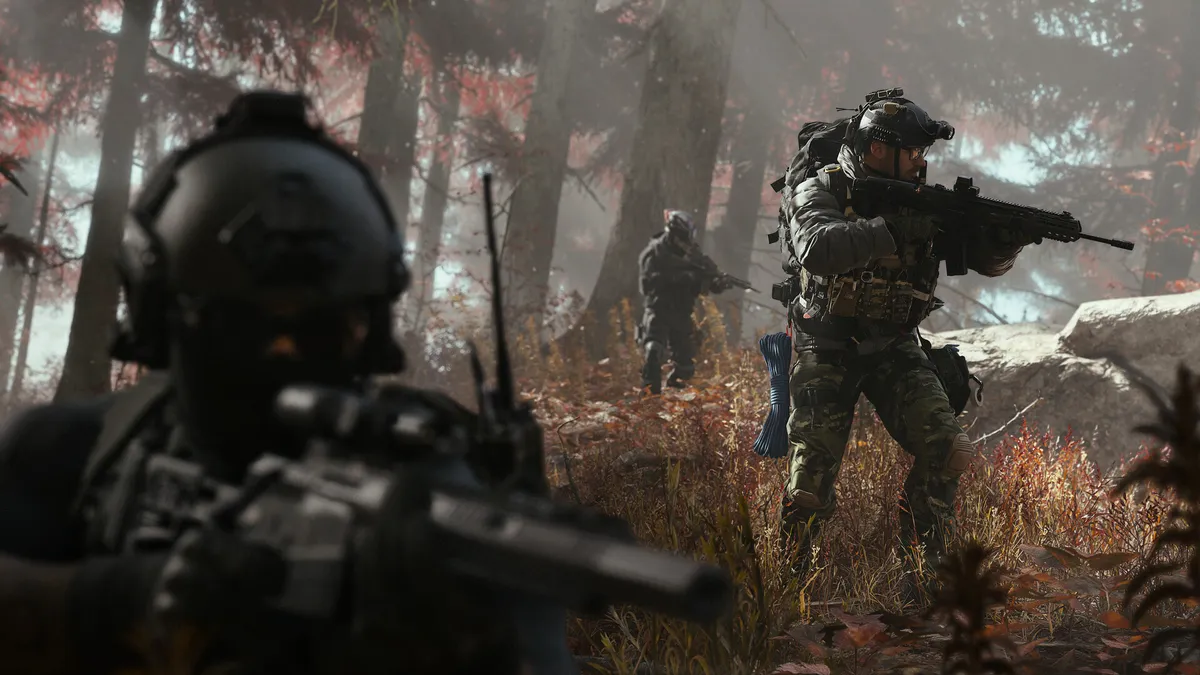
Official Call of Duty: Modern Warfare 4 artwork via Steam.
Step 1: Check Whether It Is You or the Servers
Before changing a single setting, check the official channels. A launch-window outage looks exactly like a local networking fault, and no amount of router configuration fixes a downed datacenter.
- Check the official Call of Duty status channels and the Modern Warfare 4 social accounts.
- Check whether other players report the same message in the same minute.
- Try a second device on the same network. If nothing online works, the problem is upstream of the game.
If the servers are up and your other devices are fine, move on. You can also check the official Call of Duty site for service notices.
Step 2: Restart in the Right Order
The order matters because the game caches a failed connection attempt and will keep retrying against stale state.
- Close MW4 completely — not just to the dashboard. On PC, quit from the menu; on console, close the game from the home screen.
- Unplug the router and modem for 30 seconds, then power the modem first, wait for its lights, then the router.
- Reconnect the console or PC and confirm the platform's own network test passes.
- Launch MW4 and sign in again.
Players reporting "networking failed to start" on PC have had success with a full machine reboot rather than just a game restart, which suggests the fault can sit in a stuck network service rather than in MW4 itself.
Step 3: Check NAT Type
NAT type decides whether other players can connect to you. Strict NAT produces failed joins, party errors and matchmaking that drops you into half-empty lobbies.
| NAT type | What it means | What to try |
|---|---|---|
| Open | Inbound connections work | Nothing, this is the target |
| Moderate | Some connections blocked | UPnP on the router, or forward the game's ports |
| Strict | Most inbound blocked | Port forwarding, or place the console in the router's DMZ |
On console, the platform's network settings screen shows the NAT type. On PC, MW4's own network panel reports it. If you are strict behind a carrier-grade NAT or mobile hotspot, no router setting will fix it — that is an ISP-level limitation.
Step 4: Remove Things Between You and the Router
- VPNs and proxies: turn them off completely. A VPN that works for browsing can still break the game's UDP traffic.
- Wi-Fi: test wired. A weak 2.4 GHz link produces failures that look like server errors.
- Second router or mesh node: double NAT is a common cause of strict NAT. Bridge the second device or connect to the main router.
- Firewall: allow MW4 through both the Windows firewall and any third-party security suite. A blocked first launch often stays blocked after the prompt is dismissed.
Step 5: Platform and Account Checks
- Crossplay: if you play with friends on another platform, confirm crossplay is enabled for your account and theirs. The crossplay and Game Pass guide covers the account-side settings.
- Subscriptions: on console, an expired online subscription blocks multiplayer entirely and can surface as a connection error.
- Game updates: an out-of-date client is refused by the matchmaking service. Let the platform finish any pending patch before retrying, and check the Modern Warfare 4 update notes to see whether a patch dropped the same day.
- Verify files (PC): use the launcher's repair or verify option. Corrupt network libraries survive reinstalls of the game data otherwise.
Step 6: DNS and Ports
DNS is a long shot, but it is cheap to test: switch to a public resolver, flush the DNS cache, and retry. Port forwarding is the more reliable fix for strict NAT, but the ports must match the current game — use the official Activision support port list rather than a copied forum post, because old Call of Duty port lists are still widely circulated and no longer accurate.
Allow the game through your security software instead. Disabling protection to fix a connection error trades a temporary bug for a real risk.
When Nothing Works
If the servers are up, NAT is open or moderate, and a wired connection still fails, collect the following before contacting support:
- The exact error text and any code shown.
- Platform, region and ISP.
- Whether the failure happens at sign-in, at matchmaking, or mid-match.
- The time it started, and whether a patch or driver update preceded it.
That is enough for support to tell a client bug from an account or regional routing issue. If the game launches but runs poorly once connected, that is a different problem — start with the PC requirements and settings page.
FAQ
Why does MW4 say connection failed but my internet works?
The game uses its own online service and UDP traffic. Browsing and streaming can work while the game's handshake fails, especially behind strict NAT, a VPN or a firewall that blocks the game executable.
Does restarting my router actually help?
Yes, more often than players expect. It clears stale NAT mappings and forces a fresh DHCP lease. Power-cycle the modem first, then the router.
Can a strict NAT type cause connection failed?
It can cause failed joins and party errors. It is less likely to block the initial sign-in, so fix NAT after checking the servers and restarting.
Is the error caused by my account being banned?
A ban usually produces a specific message, not a generic connection failure. Check your account status through official support rather than guessing.
Should I reinstall MW4?
Only after everything else fails. Verifying or repairing the install is faster and fixes the same class of corrupted-file problems.
Related Guides
More Modern Warfare 4 Guides
Modern Warfare 4 is on PS5 with no PS4 version. What the $69.99 standard edition includes, how trophies work, and which PS5 details are still unpublished.
Our Modern Warfare 4 review roundup: campaign, multiplayer, DMZ, scores, bugs and whether the 2026 Call of Duty is worth $69.99 on PS5, Xbox or PC.
Shipment arrived in Modern Warfare 4 on October 27, 2026. The official layout details, best modes, loadouts and spawn tips for the Russian harbor version.
Every Modern Warfare 4 update so far: what the October 21, 23, 24 and 25 patches changed, the Search and Destroy XP buff, and what is still broken.
MW4 operators are locked to DMZ Active Duty slots. Learn how to change skins, dismiss an operator, recover an MIA one and unlock a third slot.
Modern Warfare 4 launches October 23, 2026 at midnight local time. Full platform list, prices by region, and what campaign and DMZ early access dates mean.
All 18 Modern Warfare 4 campaign achievements worth 1,000 Gamerscore, the mission each one sits in, and the two difficulty runs you need.
Apex Attachments do not use an attachment slot and change how a weapon plays. Full list with unlock requirements and effects.